In this article
Platforms end connections on their own schedule, for example after a password change or when access expires. Until now, the first sign was often a failed post.
What's new
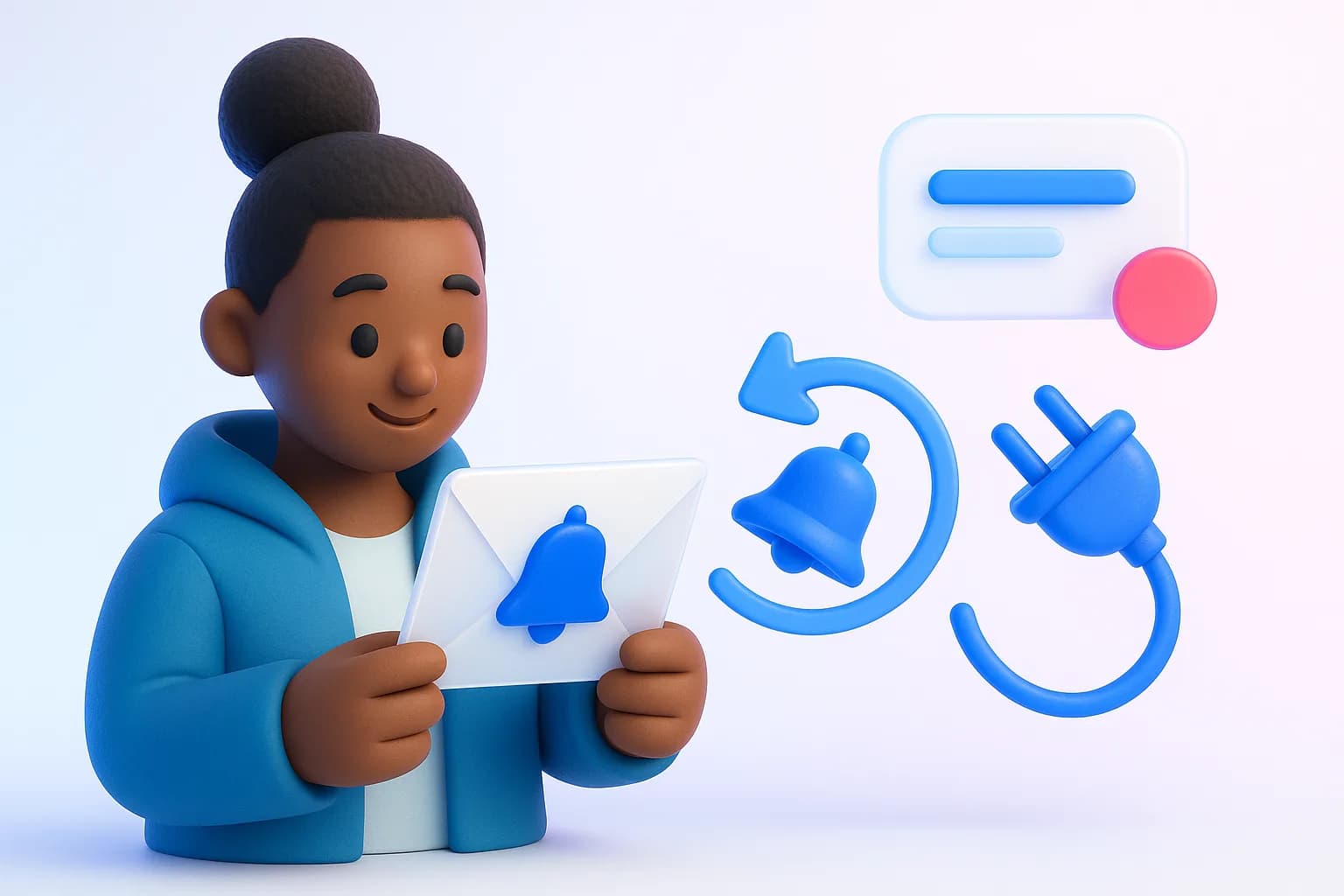
- In-app alert for everyone who can manage connections in the workspace.
- Email to the workspace owner naming the account and the workspace, with a button to reconnect.
Try it in AeroReplyDrafts that sound like you, in secondsTeach the AI your brand once, then draft, repurpose and edit by asking.Start freeSee the AI editor

What to do when you get one
- Click Reconnect in the email or alert
- Sign in to the platform and approve access
- Check your queue for anything that failed while it was disconnected
Step-by-step help: Fix a disconnected account.
Why it matters
While an account is disconnected, posts to it fail and we can't read back likes or comments. Knowing straight away keeps your schedule on track.