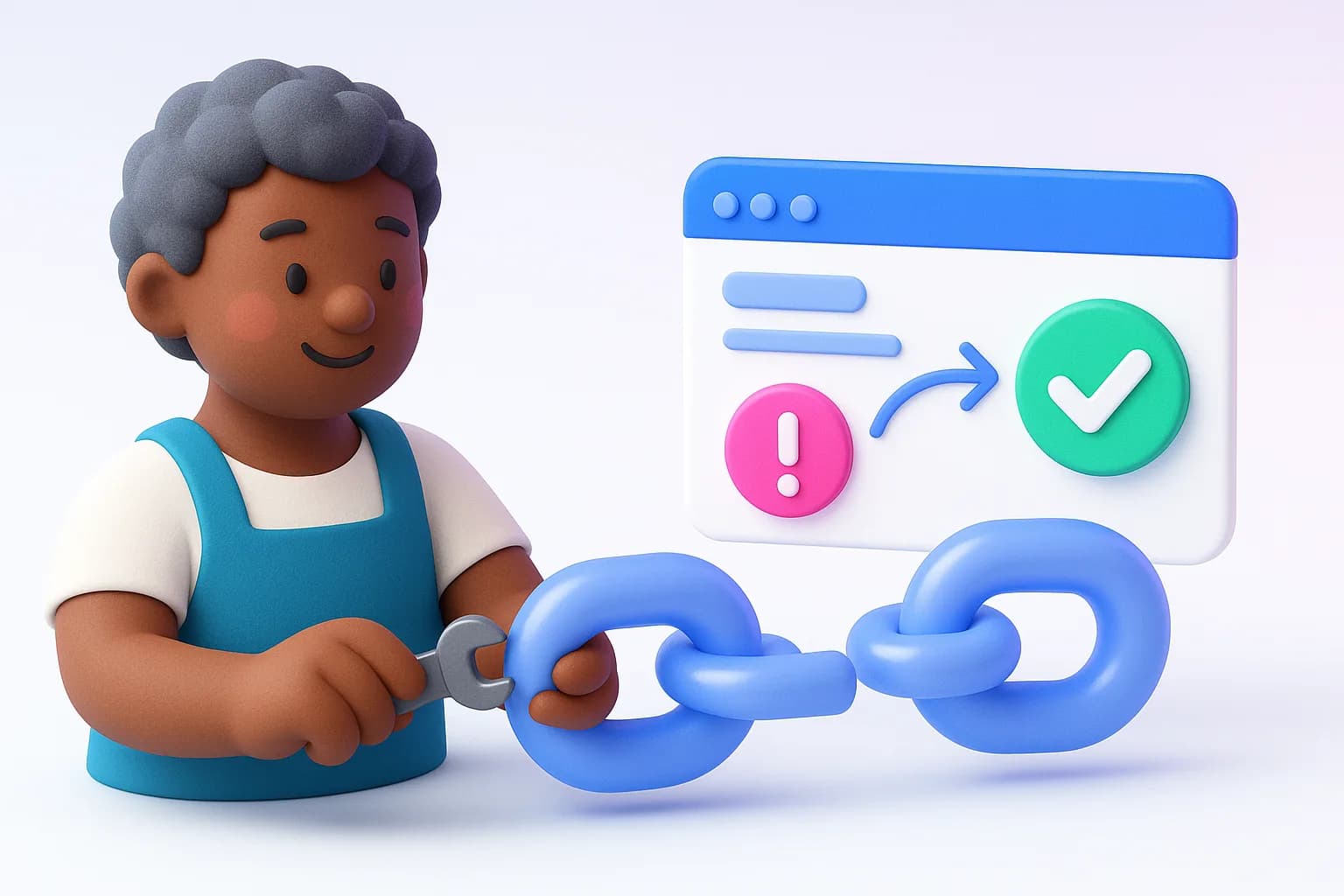
Platforms sometimes revoke access, for example after a password change. AeroReply checks connections regularly and tells you when one breaks.
How you'll know
- People who manage connections get an in-app notification that the account stopped accepting posts
- The workspace owner gets an email with a Reconnect button
- On Settings → Connections, the account moves to Needs attention with the reason
Reconnect
0 of 0 done
- Open Settings → Connections
- Find the account under Needs attention
- Click Reconnect and sign in again on the platform's page
Click Check now at any time to re-test every connection.
Scheduled posts
Posts scheduled for a disconnected account won't go out until you connect it again. Reconnect before their time and they publish as planned.
Was this helpful?
Ship on-brand posts in minutes
Back to help centerAI content, scheduling, engagement and a full marketing suite — free to start.
Start free