Draft a reply
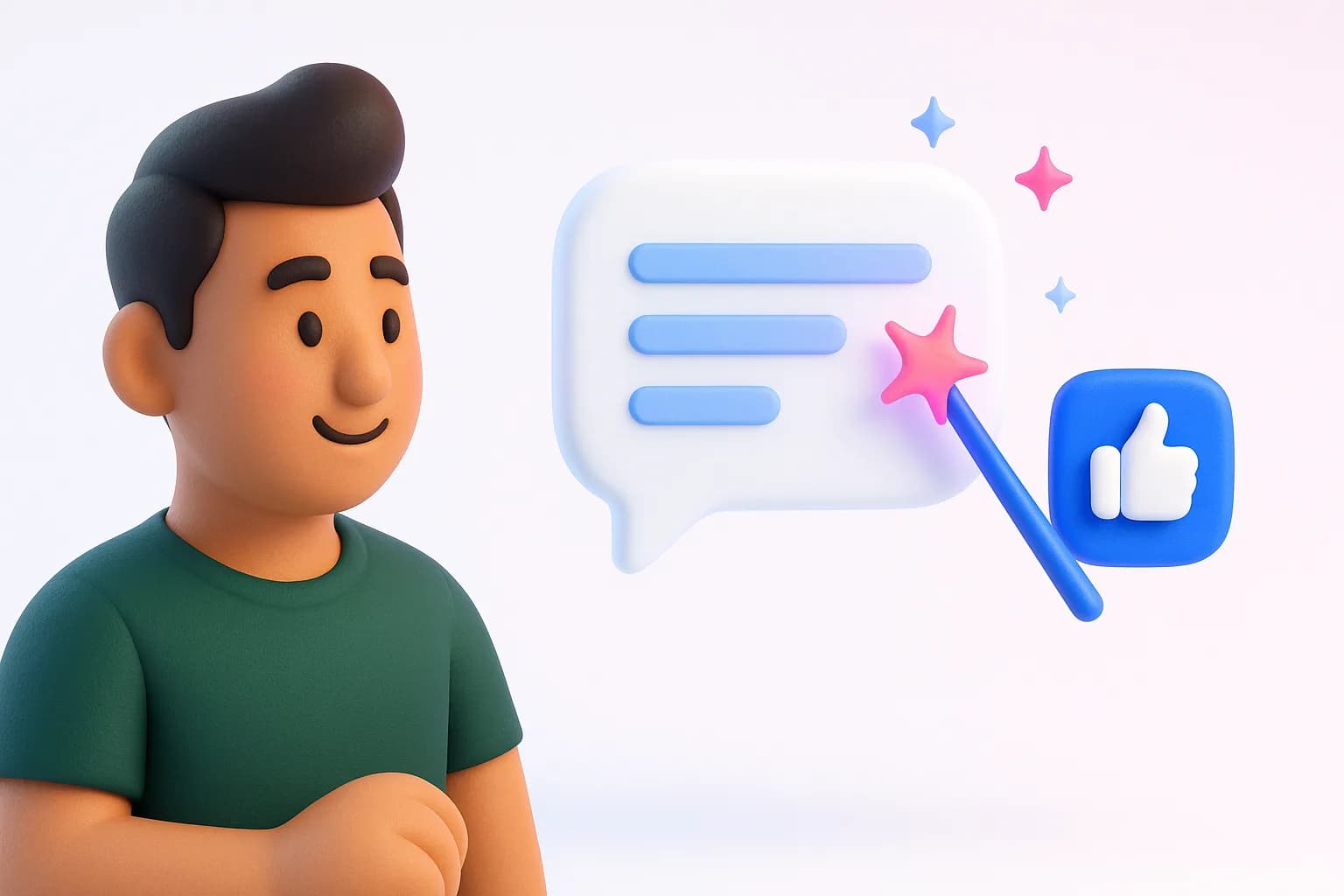
In any conversation, click Draft a reply in the reply box. The AI writes a reply using your brand kit. Already typed something? Click Rewrite my reply to polish it. Nothing is sent until you send it.
Conversations with a reply waiting show a Suggested reply ready icon, and you can filter the list to just those.
Choose how much the AI does
Open Agent settings to pick a mode:
- Suggest: drafts a reply and logs the lead, and you send it
- Approve: drafts and holds it for your one-click approval
- Auto: replies automatically to strong buying signals
Set a Minimum intent score so automatic replies only go to people clearly ready to buy. Drafts use AI credits.
Was this helpful?
Ship on-brand posts in minutes
Back to help centerAI content, scheduling, engagement and a full marketing suite — free to start.
Start free