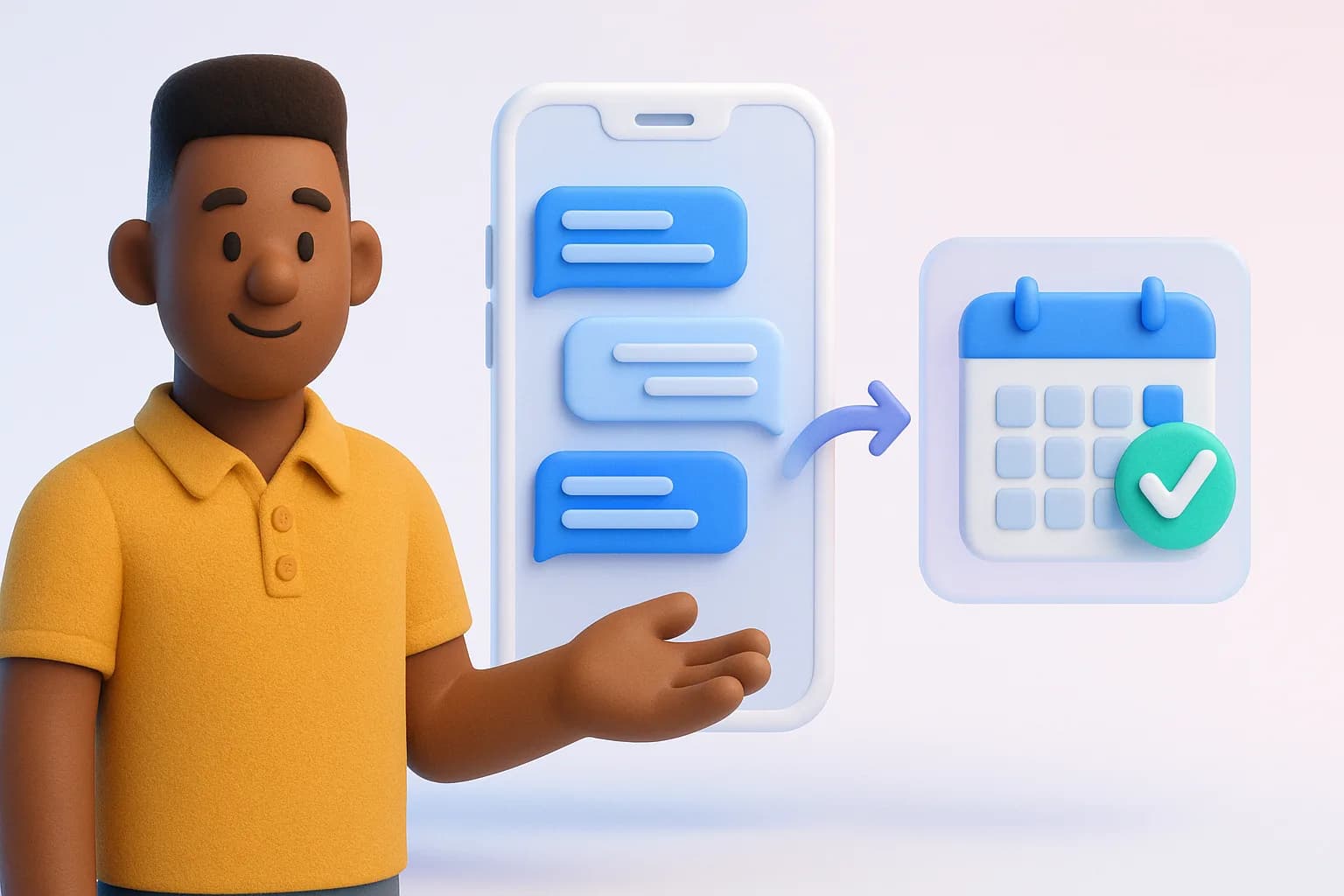
When nobody owns the inbox full time, messages slip. This recording shows a simple triage system for small teams: who answers what, which replies AI drafts, and which conversations are worth escalating.
What you'll learn
- Sorting by intent and sentiment instead of by time
- Reply templates that don't read like templates
- Assigning conversations between two or three people
- When a comment should become a contact in your CRM
Step by step
- The three inbox jobs
- Triage by intent and sentiment
- Templates and AI drafts
- Assigning and escalating
Who it's for
Teams of one to five people sharing one or more social accounts.
You'll leave with
- A triage checklist for every shift
- Five reply templates to adapt
- A rule for when to move a chat into the CRM